Client portal — included with service
See every patrol.Prove every visit.
Every patrol visit at your property is logged through 10-8 Systems CAD and published to your private client portal — time-stamped photos, digital activity logs, citations, and incident reports, ready for your next board meeting.
Officer or resident? Find your login
Activity log
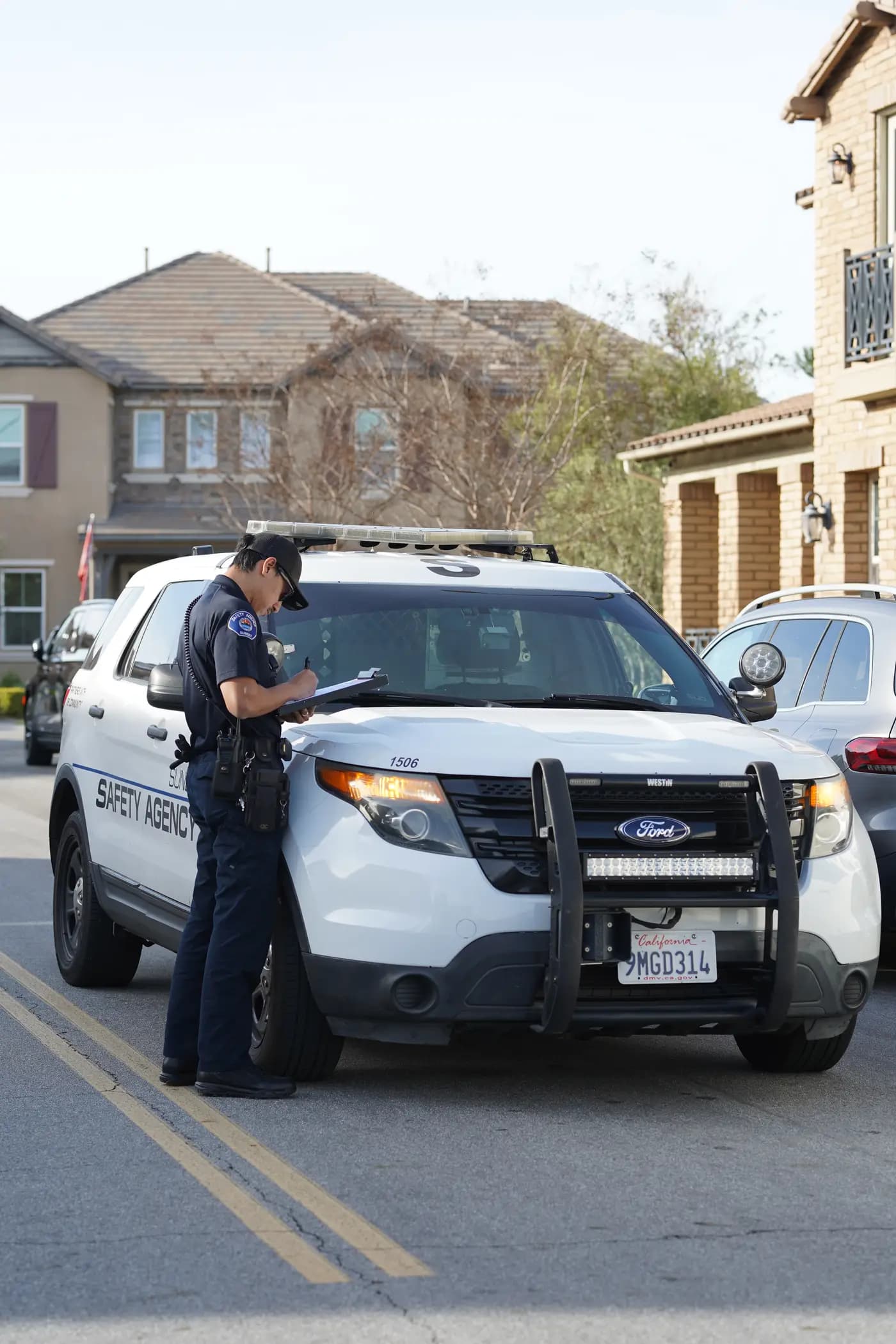
Visit report filed — 6 photos attached
41-minute patrol visit logged and published to the portal
Sgt. A. WhitfieldReportphoto
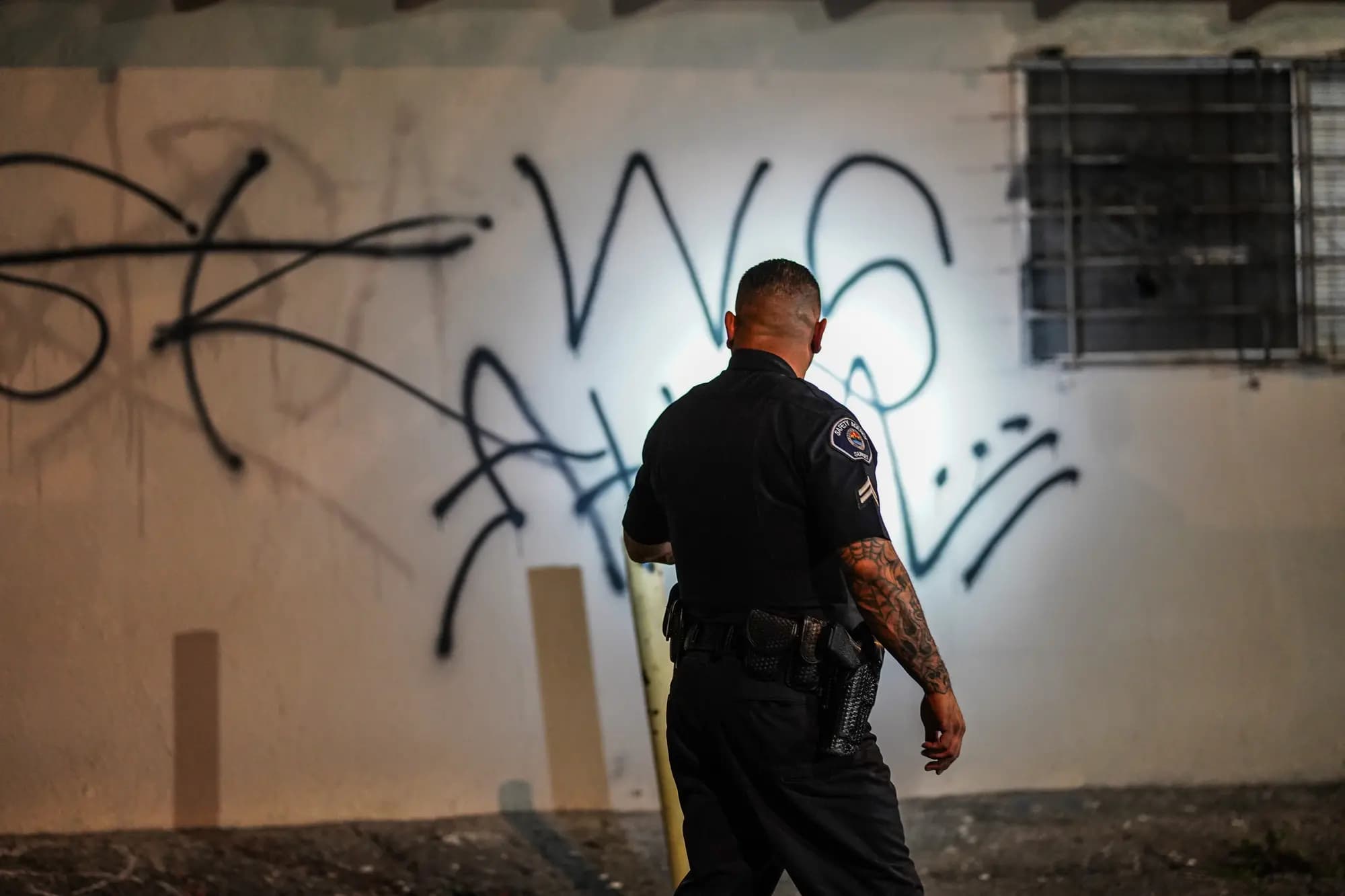
Graffiti documented — north wall
Time-stamped photos logged; maintenance work order recommended
Ofc. M. ReyesFindingphoto
Foot patrol — pool & clubhouse
Amenity gates latched and secured; area clear
Ofc. M. ReyesFoot patrol
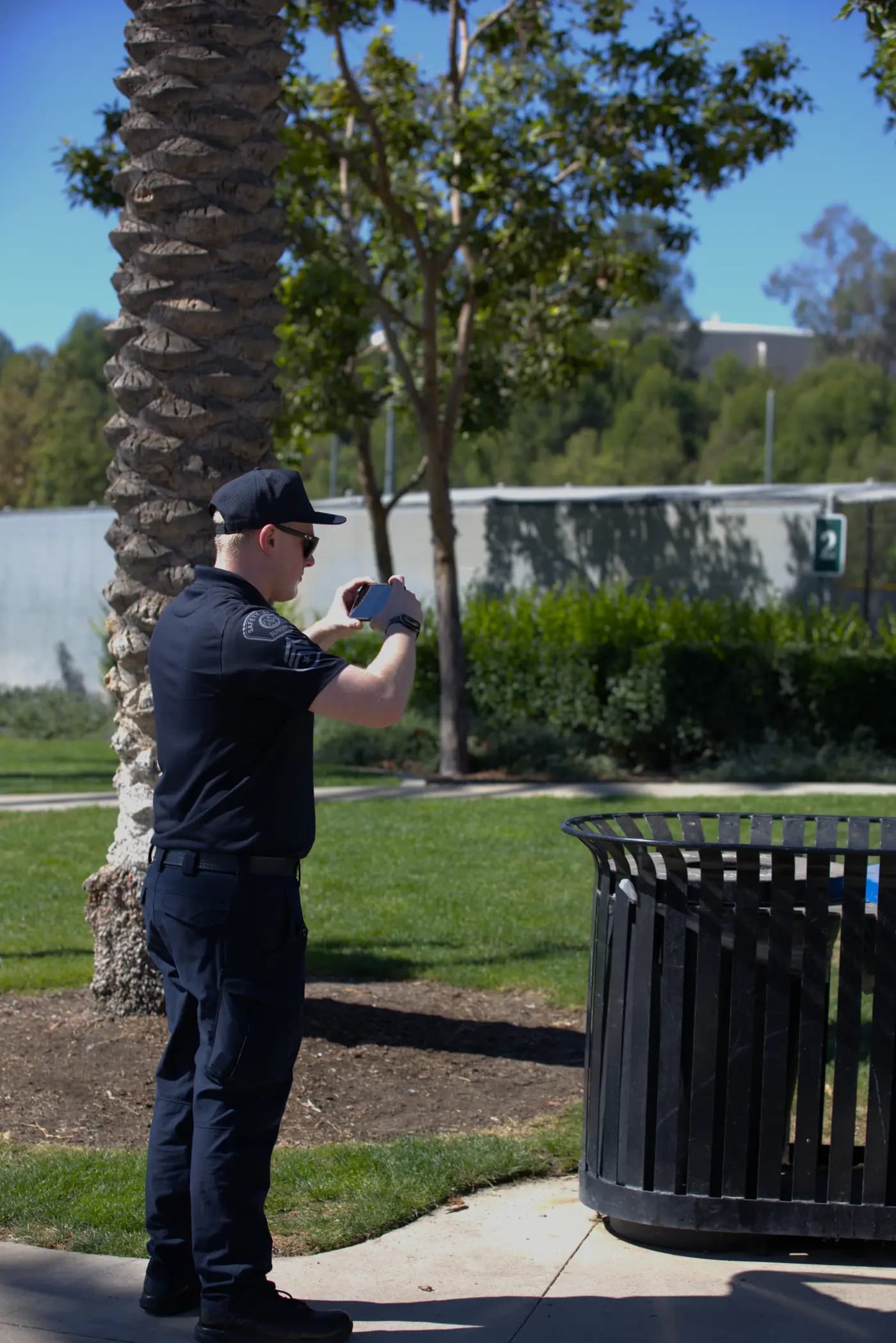
Unit 12 — gate check OK
Latch secure, no signs of tampering; photo on file
Ofc. M. ReyesGate checkphoto
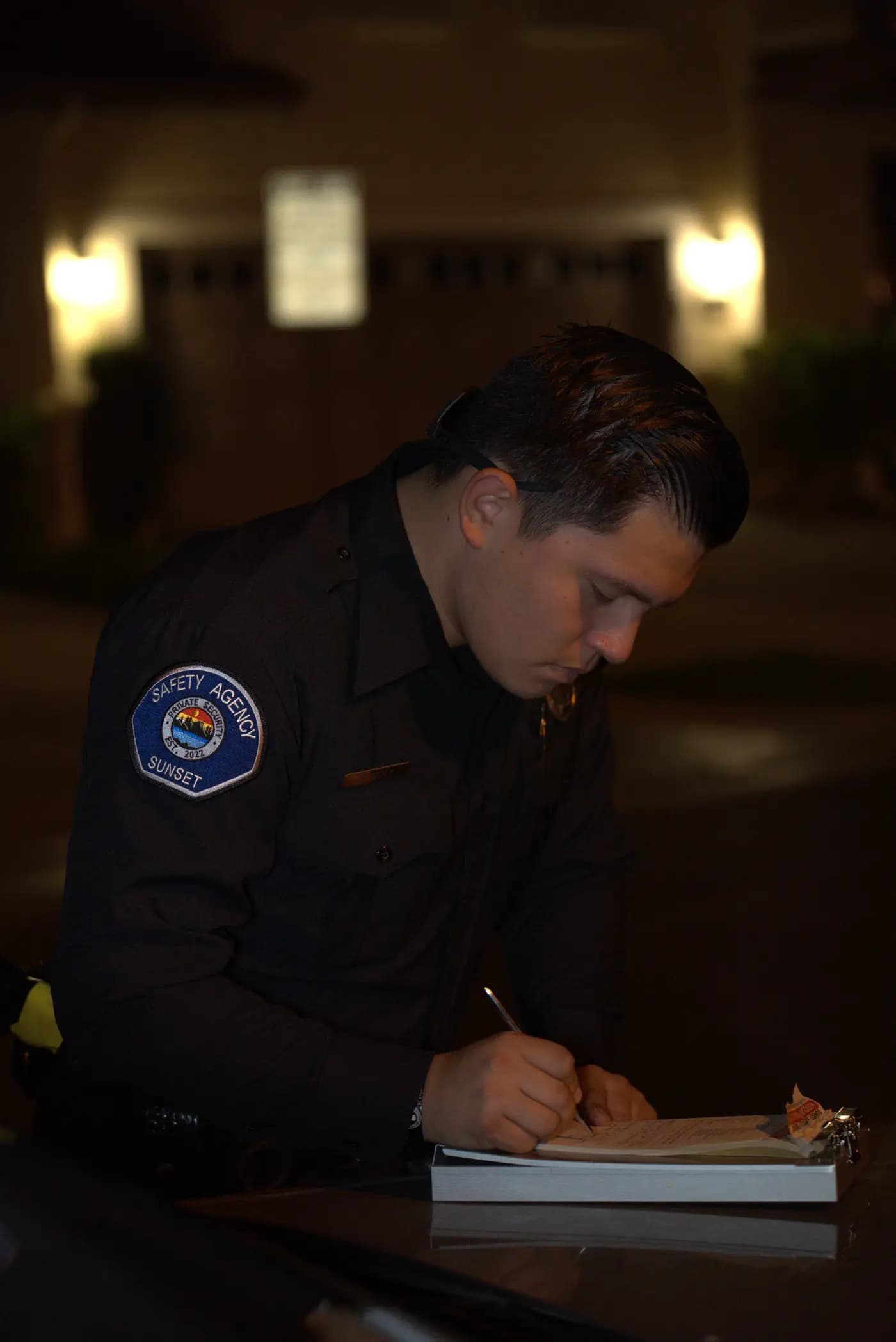
Parking sweep — visitor lot
Courtesy notice issued: no permit displayed, stall 12
Cpl. D. TranParkingphoto
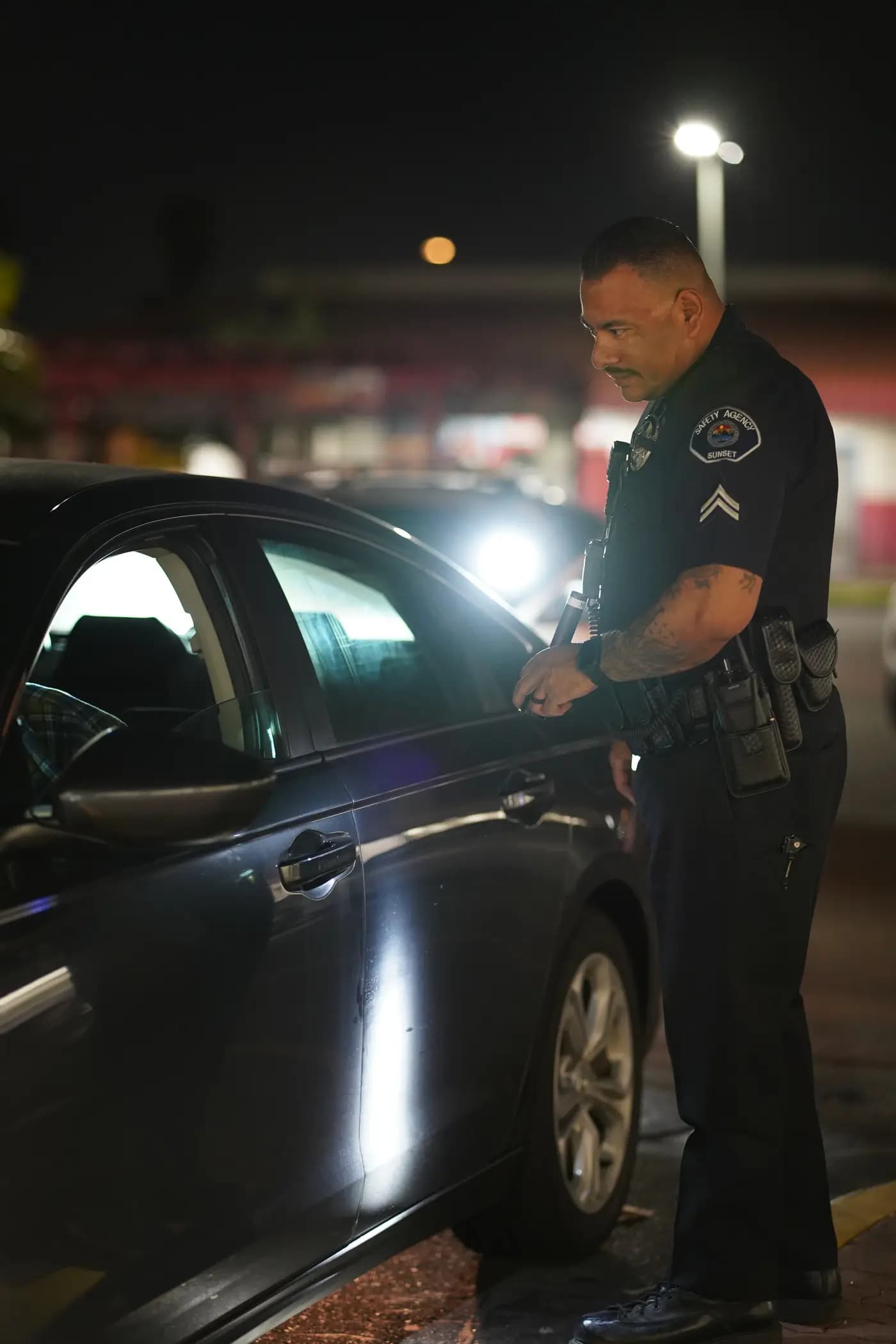
Vehicle check — unoccupied sedan
Inspected and cleared; noted for follow-up next pass
Cpl. D. TranVehicle checkphoto
Every entry is time-stamped through 10-8 Systems CAD.
Interactive demo with sample data — digital activity logs and time-stamped photos, exactly how clients see them.
What clients see
Your property's paper trail, always current
Everything an officer documents at your property rolls up into one private account — organized, time-stamped, and ready to forward.
Time-stamped photo evidence
Officers photograph what they find — open gates, vehicles without permits, vandalism, dumped items — and every image lands in your portal with the exact time it was taken.
Digital activity logs
Every gate check, parking sweep, and foot patrol is logged through 10-8 Systems CAD the moment it happens — not typed up from memory the next day.
Visit & incident reports
Board-ready patrol visit reports and incident write-ups, with photos attached and an officer of record on every entry.
Citations & tow records
Courtesy notices, citations, and tow documentation with photographic evidence — the paper trail that ends parking disputes.
From patrol to portal
How a patrol becomes proof
No clipboards, no end-of-week write-ups. Documentation happens during the patrol, flows through our 24/7 dispatch center, and lands in your account.
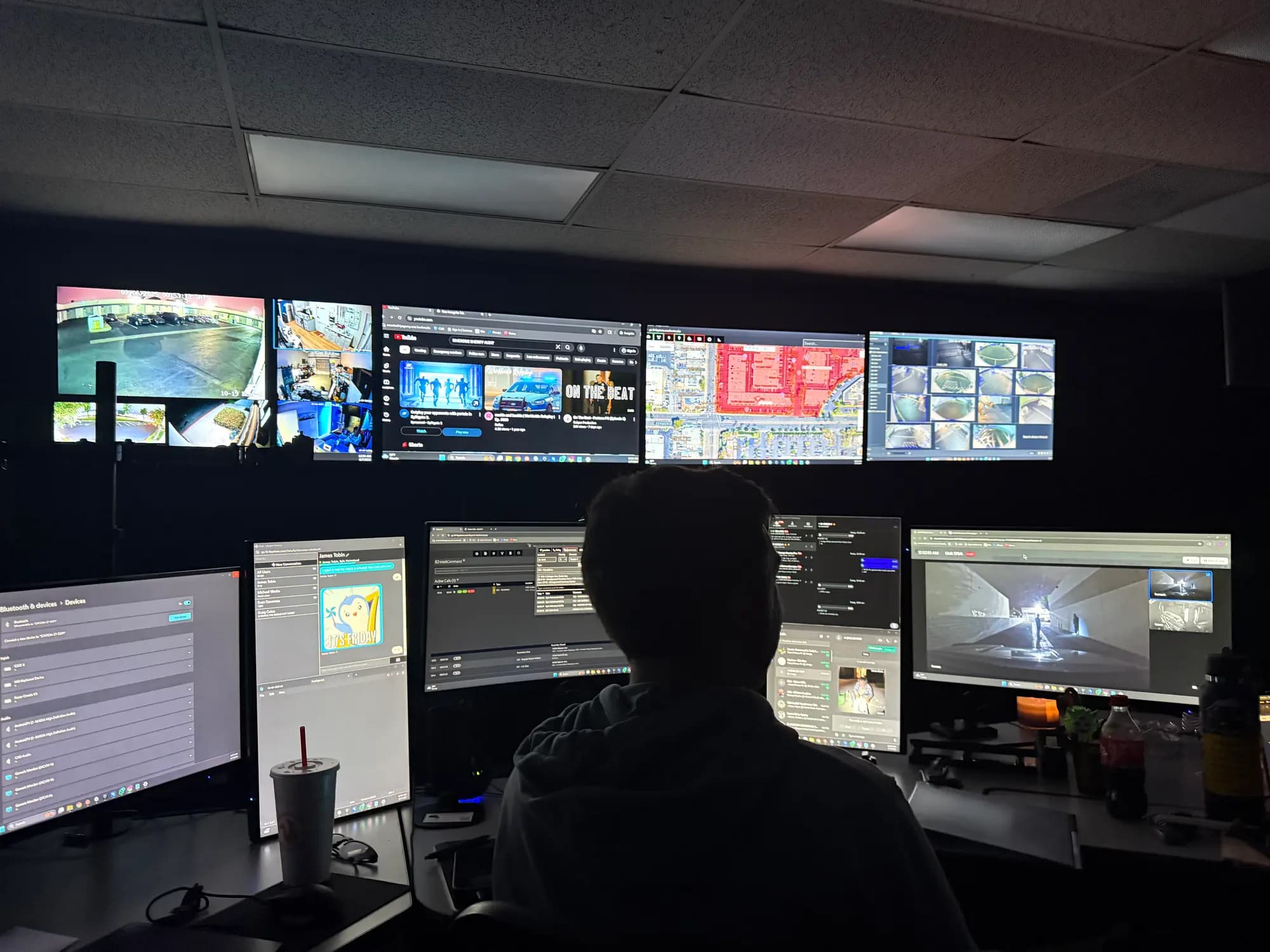
Our 24/7 real-time information center — every patrol log and open call is monitored by a live dispatcher.
Officer on site
A marked unit arrives and the visit opens as a live entry in 10-8 Systems CAD — the same dispatch platform used by public-safety agencies.
Documented in the moment
Time-stamped photos and notes attach to the entry on the spot, while our 24/7 dispatch center monitors every open call and log.
Reviewed and filed
The visit closes with an officer of record, a photo count, and any courtesy notices, citations, or incidents that came out of it.
Published to your portal
Activity logs, visit reports, citations, and incident reports appear under your account — ready for the next board meeting.
Portal screens
A look inside the portal
The four screens clients use most. As real portal screenshots are exported, they replace these frames automatically.
Real portal screenshot — coming soon
Dashboard overview. Until then, the interactive demo above shows the experience with sample data.

Real portal screenshot — coming soon
Patrol visit report. Until then, the interactive demo above shows the experience with sample data.

Real portal screenshot — coming soon
Activity log. Until then, the interactive demo above shows the experience with sample data.

Real portal screenshot — coming soon
Incident report detail. Until then, the interactive demo above shows the experience with sample data.

Access & security
Private by default
The portal is a client record, not a public feed. Access is simple for the people who need it — and closed to everyone else.
Password-protected
Every client gets their own login to a private, password-protected portal. No public links, no shared accounts.
Scoped to your property
You see your properties and nothing else — reports, photos, citations, and account records for the communities you manage.
Set up for you
We provision access for the contacts you designate at onboarding — board members, community managers, portfolio managers — and update it when roles change.
Questions
Client portal questions, answered
Looking for a different login? See every portal login — clients, officers, and residents each have their own.
Patrol coverage that shows its work
Marked vehicle patrol, standing posts, and parking enforcement — with the documentation to prove it. Portal access included.
Prefer to talk? (949) 299-2447 — dispatch answers 24/7.